How the dirt works
Skyturns describes the whole map as one simulation. These are the rules it lists, and what they mean when you build. Official
| Rule | What it means for a road |
|---|---|
| Plow, dig and stack material anywhere, always | You can cut and fill wherever you like. There are no fixed road slots. |
| Different materials, layered on each other | Dig down and the material changes. What is under your road matters. |
| Sand is very different from clay in every way | Sand runs and will not hold a steep face; clay holds shape. Build ramp faces from clay or dirt, not sand. |
| Everything is destructible, some just very hard | Rock can be broken, but it is slow. Route around it if you can. |
| Moisture affects grip and dirt movement | Wet stretches lose grip. Gravel them or keep them drained. |
| Water flows; rain makes creeks and puddles | A road in a hollow collects water. Give it a fall and a ditch. |
| Rocks and trees interact with dirt and vehicles | Clear stumps and loose rocks before you grade. |
| Everything you do stays (in your save) | Ruts and mistakes stay too. Fix them as you go. |
Try it: why piles slump
Loose material settles at its angle of repose, the steepest slope it holds before sliding. That single idea explains ramps, cuts and piles. Push some dirt below, then switch material: sand runs flat, damp clay stands up. The angles are typical real-world values, not numbers read from the game.
A road method that holds a loaded hauler
- Scout first. Get out and walk the route. Pick the gentlest line, avoid hollows where water collects, and note big rocks. Official
- Clear the line. The dozer fells trees and crushes brush as it pushes. Official
- Cut and fill. Push the high spots into the low spots. A gentle grade matters more than a straight line: a loaded hauler struggles on steep, loose climbs.
- Drain it. Water flows and rain forms creeks and puddles. Keep the road surface higher than the ground beside it, and leave a ditch on the uphill side. Official
- Cap it with gravel. Bring gravel on the hauler and spread it on soft, wet or steep sections. The full game adds a gravel crusher to make road gravel. Official
- Grade with auto level. Set sticks, then run the dozer with AUTO on (J). Details below.
- Test with weight. Drive a full hauler over it. Where it sinks or spins, add gravel and grade again. Official
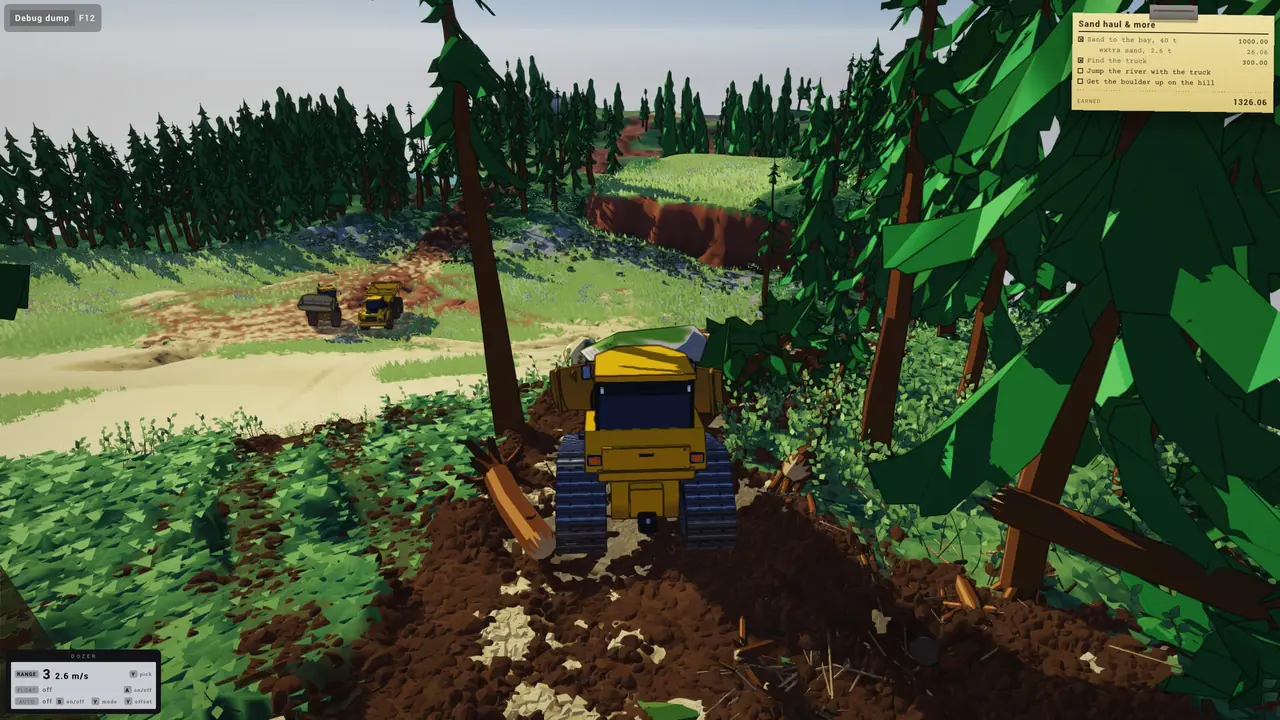
Auto level and sticks
The store page lists an "auto leveling system with slopes and curves. Set sticks, auto level with the dozer." Official On the dozer panel, J turns AUTO on. It then reads ready with an offset such as +0.34, which , and . raise or lower. H switches the blade mode. In-game UI
- Rough the road in with AUTO off, then switch it on for the finish pass.
- Use a low range (1 or 2) for grading. Faster passes leave a wavier surface.
- Use N (float) for a light back-drag to smooth the last pass.
The key that places sticks is not shown on the panel in the screenshots. Check the in-game key list, and we will add it here once confirmed.
Ramps and jumps
- A ramp face cannot be steeper than its material's angle of repose. Build it from dirt or clay, not sand.
- Make the run-up long and firm, and steepen only the lip.
- Drive over a new ramp before you use it: loose fill under the tyres costs speed.
The demo's river jump uses exactly this. River jump tips.
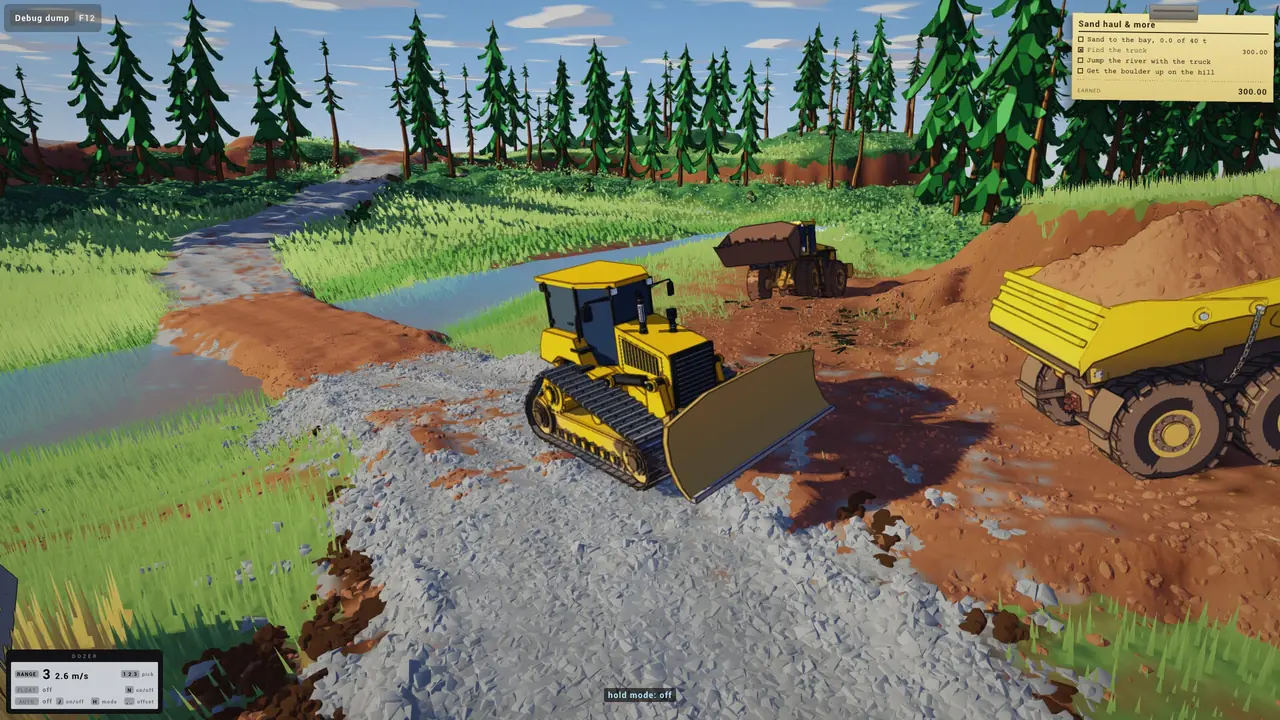
Common problems
| Problem | Likely cause | Fix |
|---|---|---|
| Loaded hauler sinks | Soft or wet dirt | Gravel cap, then grade |
| Wheels spin on a climb | Grade too steep or loose | Cut the slope back, gravel it |
| Puddles on the road | Road lower than its sides | Raise the road, cut a ditch |
| Wavy surface | Fast passes, blade bouncing | Low range, AUTO on, float back-drag |
| Frame rate drops while pushing | Very large volumes moving at once | Push smaller loads; see performance tips |
Players also want a steam roller for a smoother finish. It is not in the game yet; the full game lists a compactor. Players Official
Questions
How do you build a good road in Dirt Town?
Clear the line with the dozer, cut high spots into low spots so the grade stays gentle, keep water off the road, put gravel on soft or wet stretches, grade it with auto level, then test it with a loaded hauler.
Why does my truck get stuck on my road?
Dirt Town simulates moisture, which changes grip, and loose material deforms under weight. A loaded hauler on soft or wet dirt sinks. Cap those stretches with gravel and level them.
What is auto level in Dirt Town?
A dozer system that grades to a target height. The store page describes setting sticks and auto levelling with the dozer, with slopes and curves. Press J to toggle it; comma and period shift the offset.
Is the terrain permanent?
Yes. Skyturns says the whole site is one simulation and everything you do stays in your save.
Sources
- Official Dirt Town store page (About, Early Access FAQ, requirements) Steam, checked Nov 16, 2026
- Official Dirt Town Demo store page Steam, checked Nov 16, 2026
- In-game UI Official screenshots: mission card and machine panels Steam store page, checked Nov 16, 2026
- Players Demo review Steam forum, checked Nov 16, 2026
- Players Steam roller Steam forum, checked Nov 16, 2026
Labels: Official = Skyturns on Steam, YouTube or Discord. In-game UI = read from the official screenshots. Players = Steam forum reports. Video = player gameplay videos. How we source.